

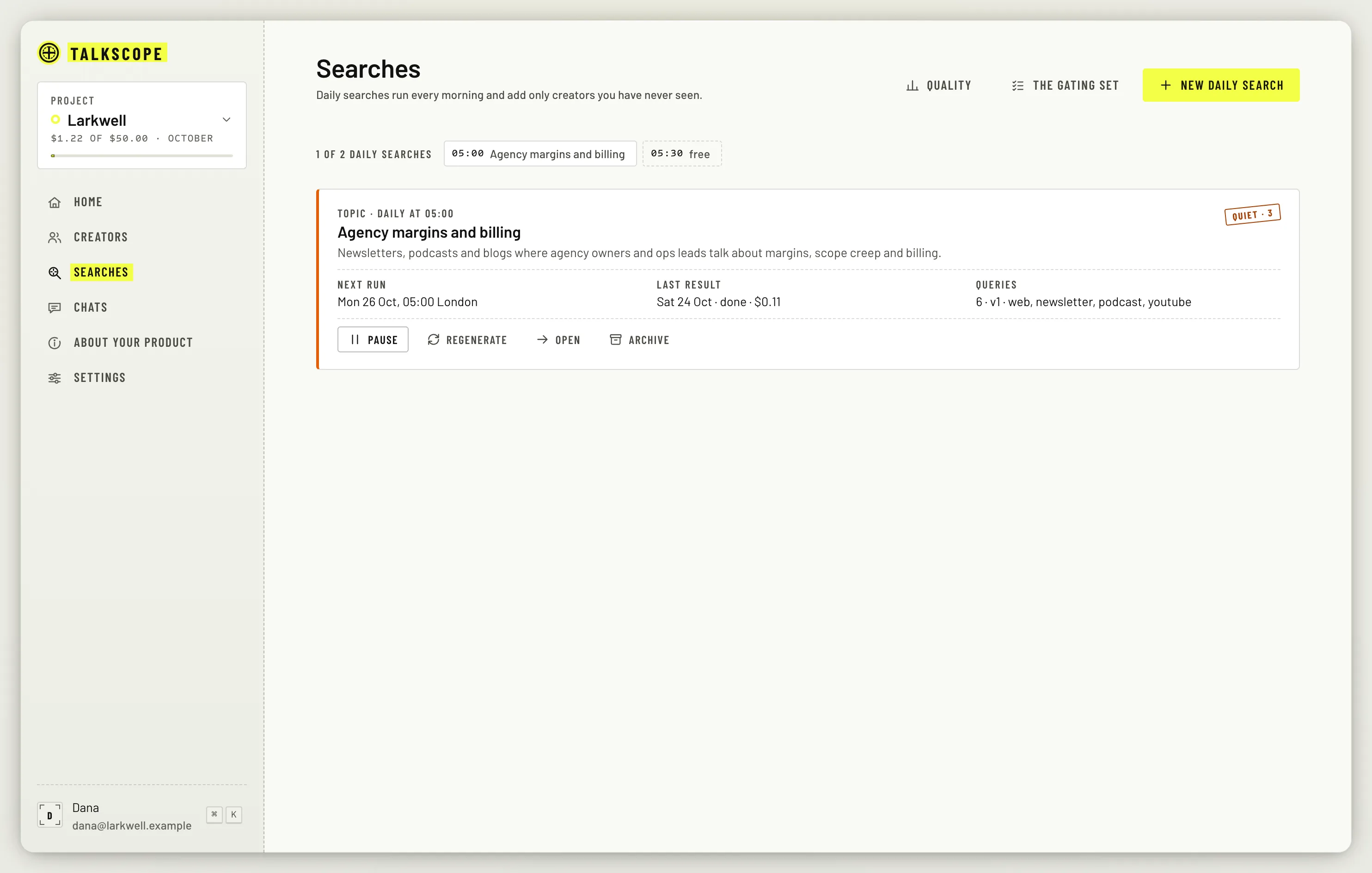
The Searches page lists your daily searches, each with its next run, its last result and its queries.
Pause, resume, archive
Pause stops the morning runs and keeps the slot. Resume starts them again.
Archive retires the search and frees its slot for a new one.
Regenerate the queries
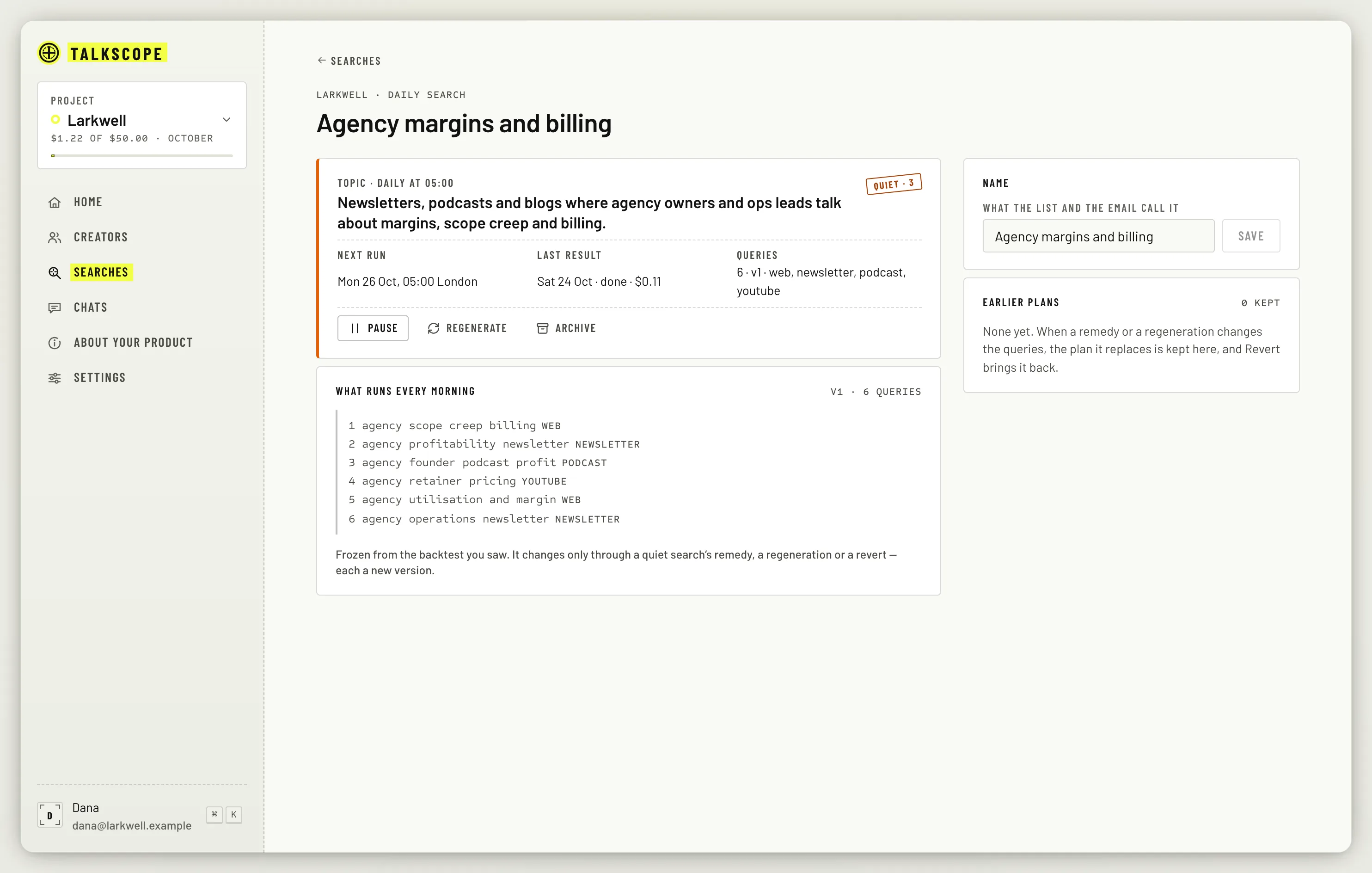
A daily search runs the queries frozen from the backtest you saw. Open the search to read them. If your About sheet has changed since, Regenerate plans a fresh set by running a new backtest, so it costs money: the button shows up to its most before you click. It then shows old against new, and nothing about the search changes until you apply. The last five plans are kept, so Revert takes you back.
When a search goes quiet
After three quiet runs in a row, Home shows a card under Needs you with a fix that costs nothing to apply: up to three re-seeded queries and a 21-day look-back. Click Apply to take it, or open the search and change it yourself. You can revert the fix like any other plan.
Other states you may see
Failed: the last run did not complete. From the second failure in a row the card says how many, for example Failed ×2.
Held: the search is waiting, for example because automation is paused for the project or the project's month is spent.
A run that used its whole budget says so in Last result, for example stopped at its $1 cap; it keeps what it found.
The quiet-search card always shows in the app. The switch in notification settings only decides whether the Monday email mentions it.