
A one-off search answers one question now. You start it by asking Talkscope from the composer on Home, or from any thread in Chats. For a search that keeps running every morning, see Set up a daily search.
Ask in your own words
Type what you are looking for, for example "newsletter writers who cover agency finance". Talkscope plans the queries, reads the pages, scores each creator and saves the ones that fit. An on-demand search is capped at $2 and reads at most 60 items.
Scope chips are hard bounds
The chips under the composer set what a search may touch:
Platforms: web, newsletter, youtube and podcast, limited to the platforms your project allows.
Window: last 30 days, last 90 days, last 12 months or all time.
Widen if needed: off by default.
A search never goes past its chips unless you tick widen if needed. If it does widen, the run trail says so in plain words. If it found itself drifting and you had not allowed it, the trail says that it pulled the search back.
Watch it run
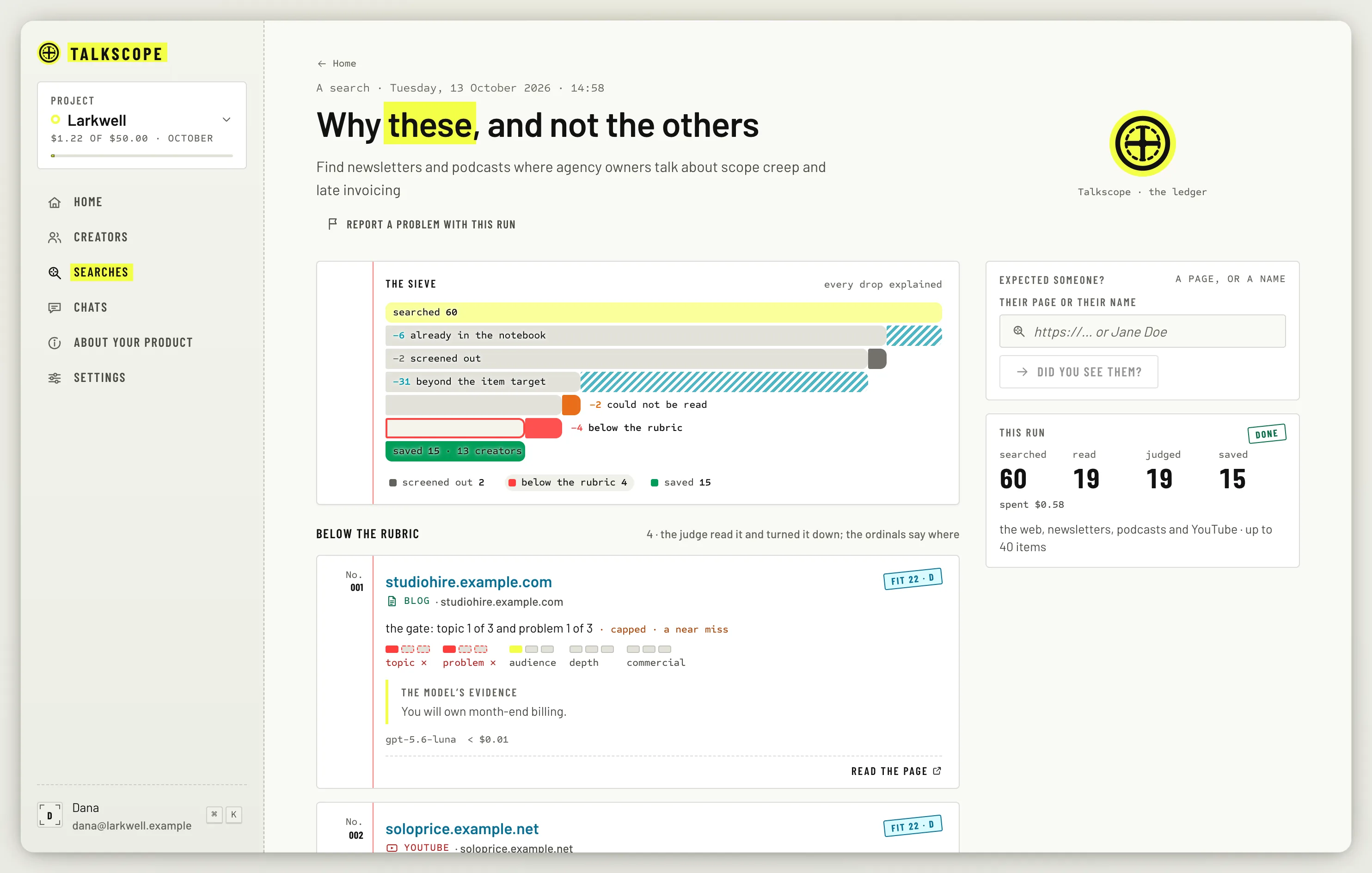
While a search runs, its card on Home counts what it has searched, read, judged, saved and set aside. When it finishes, the card adds where the time went, and the headline tells you how it went, for example Stopped at the cap with 6 creators or This niche is quiet.
Stop or cancel
Stop (or Esc) ends Talkscope's reply. Anything it already wrote stays.
Cancel run (or ⌘.) ends the search itself. Everything it already saved stays.
Click Why these, and not the others on a finished run to read its full trail. If something looks wrong, Report a problem with this run files a report with the run attached; you can follow it under Reports in Account settings.
What else you can ask
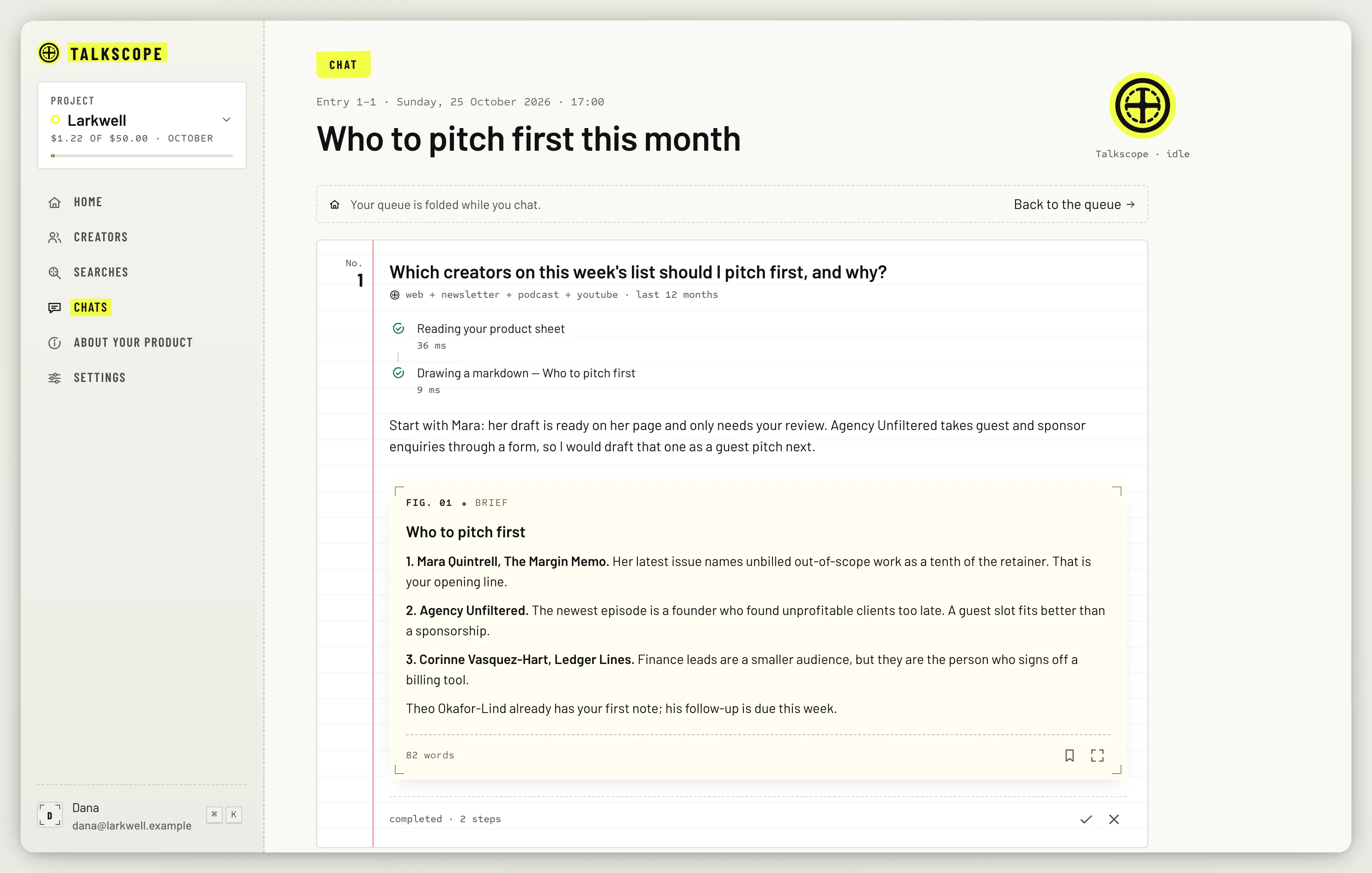
The same composer takes other requests: a brief on a creator, a redraft of a pitch, a change to a daily search, or an edit to your About sheet. Every conversation is kept in Chats, with each step Talkscope took.
Some things always need your own click and Talkscope will not do them for you: approving a pitch, marking it sent, merging duplicates, approving a rubric change and do-not-contact.