

The sidebar
Each project has six places, in the sidebar and on ⌘1 to ⌘6:
Home: this week's shortlist, anything that needs you, and follow-ups due.
Creators: every creator in the project, as a table, a board or cards.
Searches: your daily searches.
Chats: every conversation with Talkscope and what it did.
About your product: the sheet every search reads.
Settings: the project's platforms, budget and timezone.
The card at the top of the sidebar shows the current project and what your whole workspace has spent this month. Click it to switch project, start a new one, or open Usage and Project settings.
Command palette and keys
Press ⌘K anywhere to jump to a page, switch project, change the theme or open the help centre. Press ? to see every keyboard shortcut. The ones you will use most are on Home: see Triage with the keyboard.
Your account
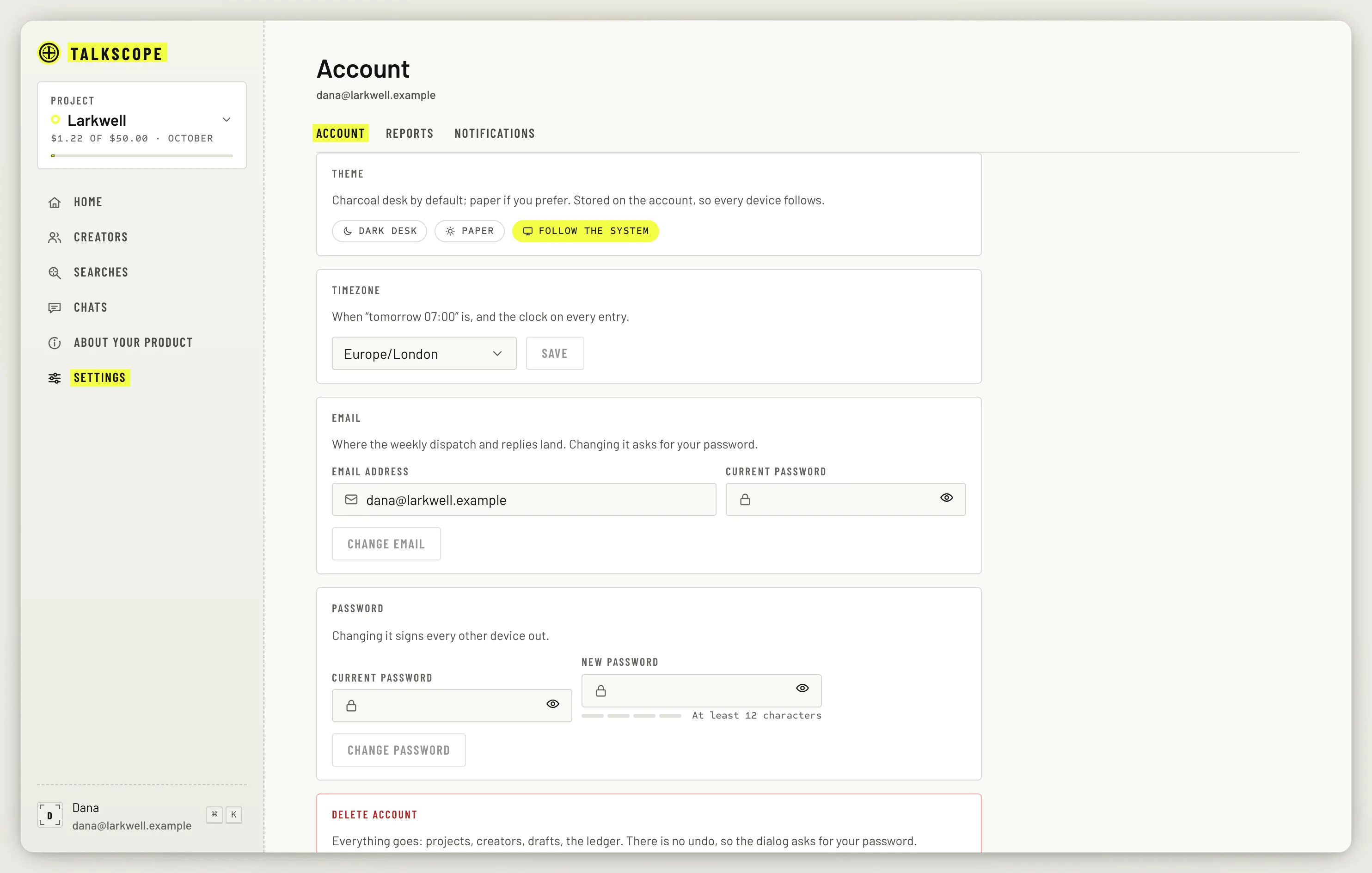
Open the menu at the foot of the sidebar and choose Account settings. There you can:
Theme: Follow the system (the default), Dark desk or Paper. The sidebar menu also has a quick toggle, Light desk or Dark desk.
Timezone: the Monday email always uses it. Daily searches and the 07:00 shortlist use it too, unless the project sets its own timezone.
Email and password: both ask for your current password. Changing the password signs your other devices out.
Delete account: removes your account and everything in it, for good.
Reports
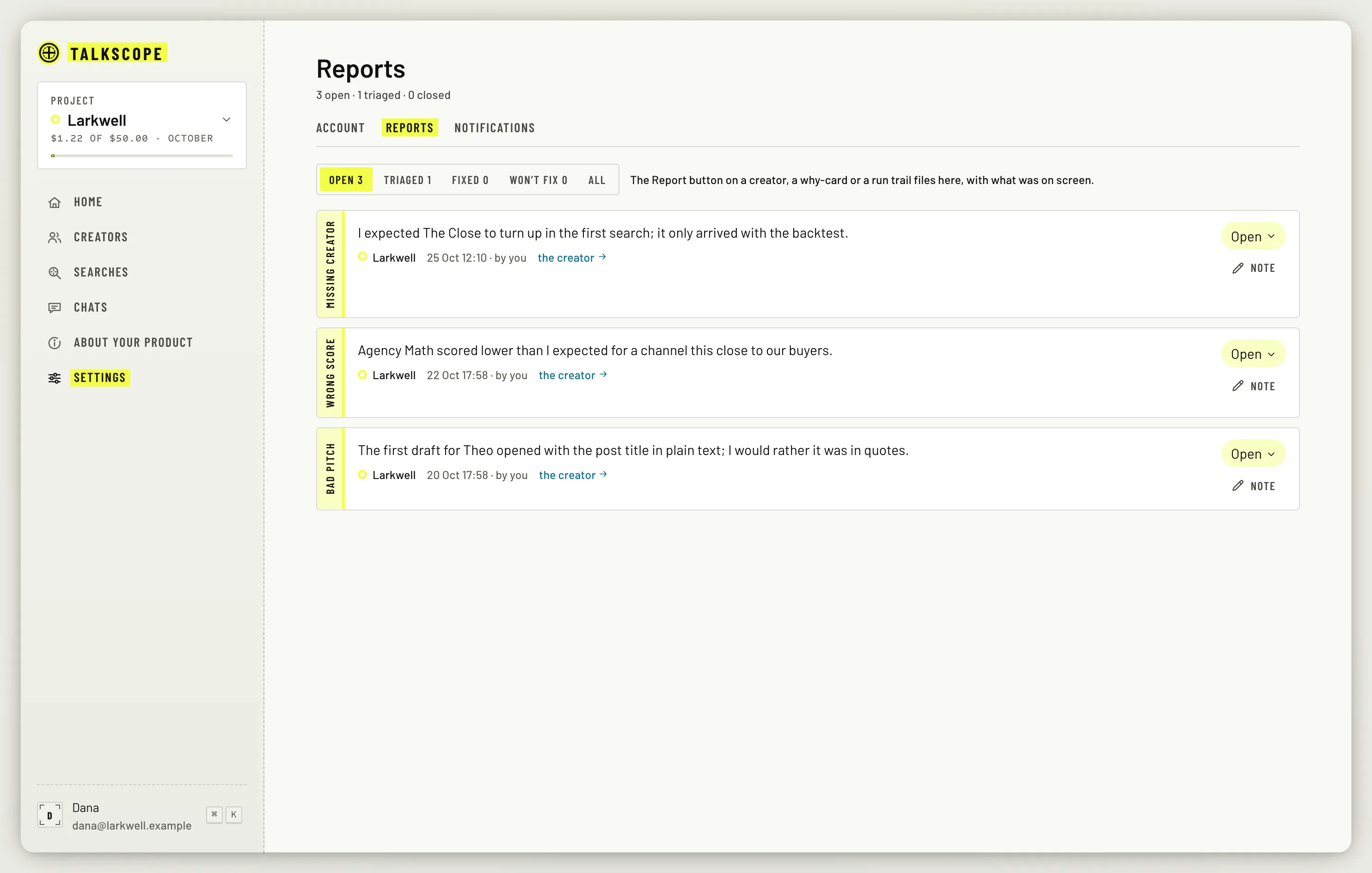
The Reports tab lists everything you have sent with a Report button: a wrong score, a bad result, a missing creator, a bug or an idea. Each one keeps what it was about, so you can follow it.
There is no billing page in Talkscope yet, and no invites: a workspace is you. Cost is tracked in dollars against caps instead; see Cost caps and usage.