

Searches, scoring and drafts cost money to run, so every one has a cap in dollars, and so does the month. Talkscope reserves the money before it spends and stops at the cap. A search that reaches its cap wraps up and keeps what it found.
The caps you will meet
What | Cap |
|---|---|
A one-off search | $2.00 |
A daily search's morning run | $1.00 |
A backtest | $1.00 |
Drafting your About sheet | $0.30 |
A pitch draft | $0.25 |
A paid contact lookup | $0.15, and $10 a month |
Each project's month
Each project has its own monthly cap, set by your plan: $25 a month on the Trial plan. Every search, pitch draft and paid lookup in a project reserves its cost against that project's month before it starts; once the month is spent, that project's new work waits for next month. Each project counts on its own, so two projects can each spend their $25.
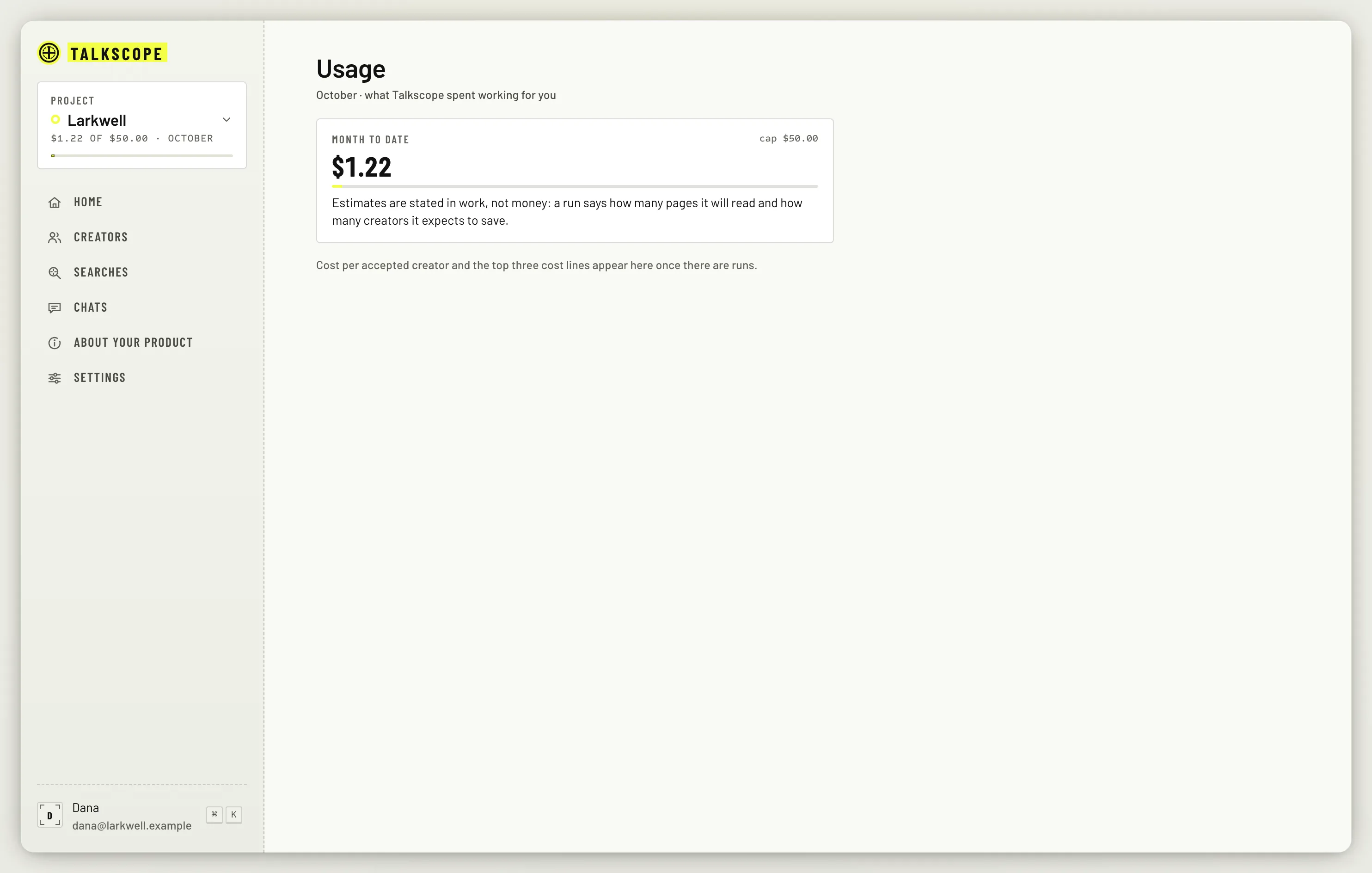
Usage (from the project card in the sidebar) shows the total your whole workspace has spent this month, across all its projects.
A project's budget
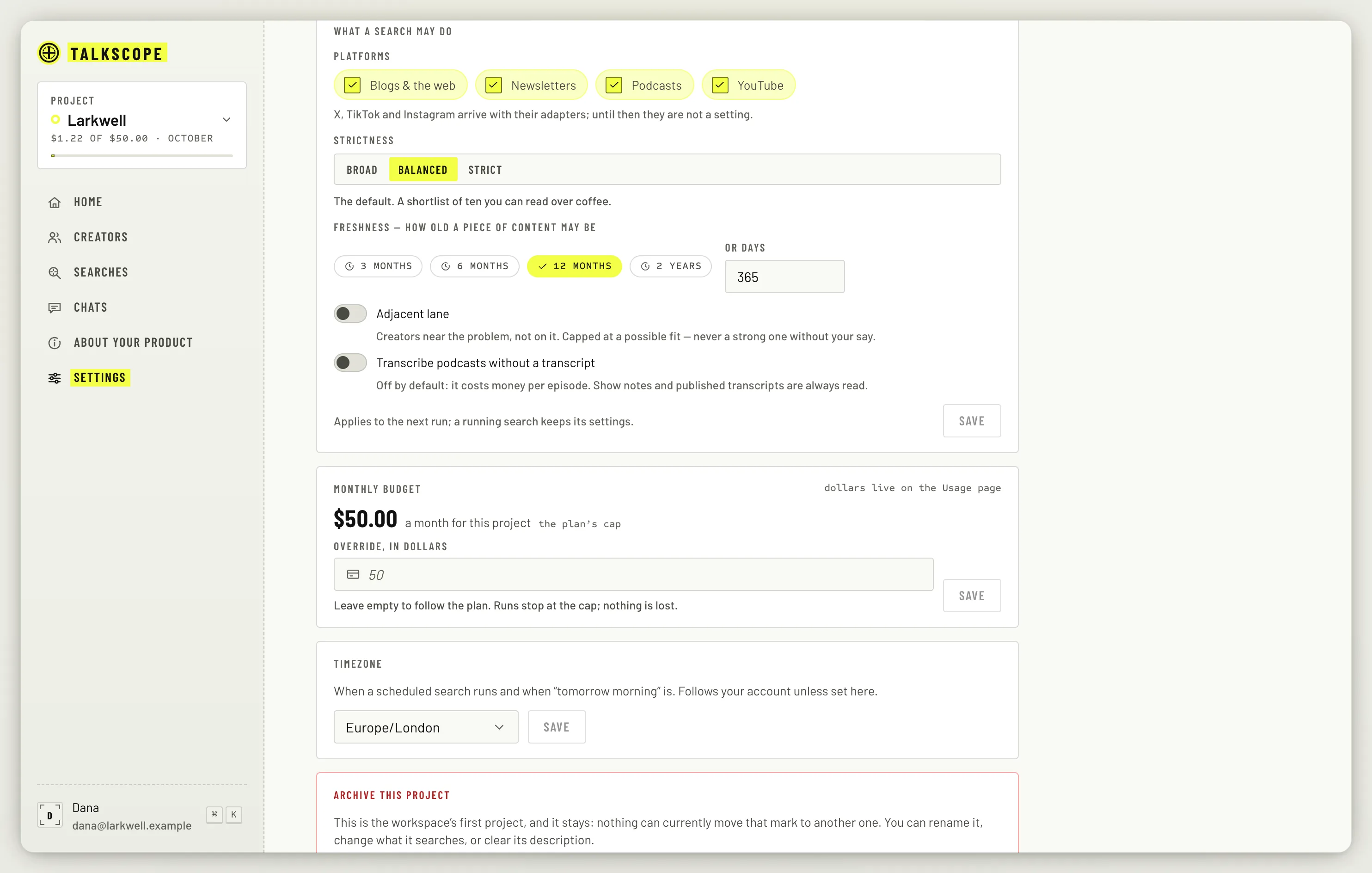
In Project settings, the Monthly budget card shows a figure ($50.00 a month for this project, marked the plan's cap, until you set one). Enter an amount under Override, in dollars to change the figure this project's cost alerts and its 100 % pause are measured against, or leave it empty to follow the plan.
What happens at 50 %, 80 % and 100 %
50 %: a cost line in the Home header.
80 %: an email too, and daily searches brake early to save the rest: they skip transcripts and new listings.
100 %: the project's daily searches, follow-up drafts and rubric suggestions pause until next month or a higher budget. Everything already saved stays yours.
Cost alerts go to the workspace's owners and admins. You can switch the emails off in notification settings; the cost line on Home shows either way.