
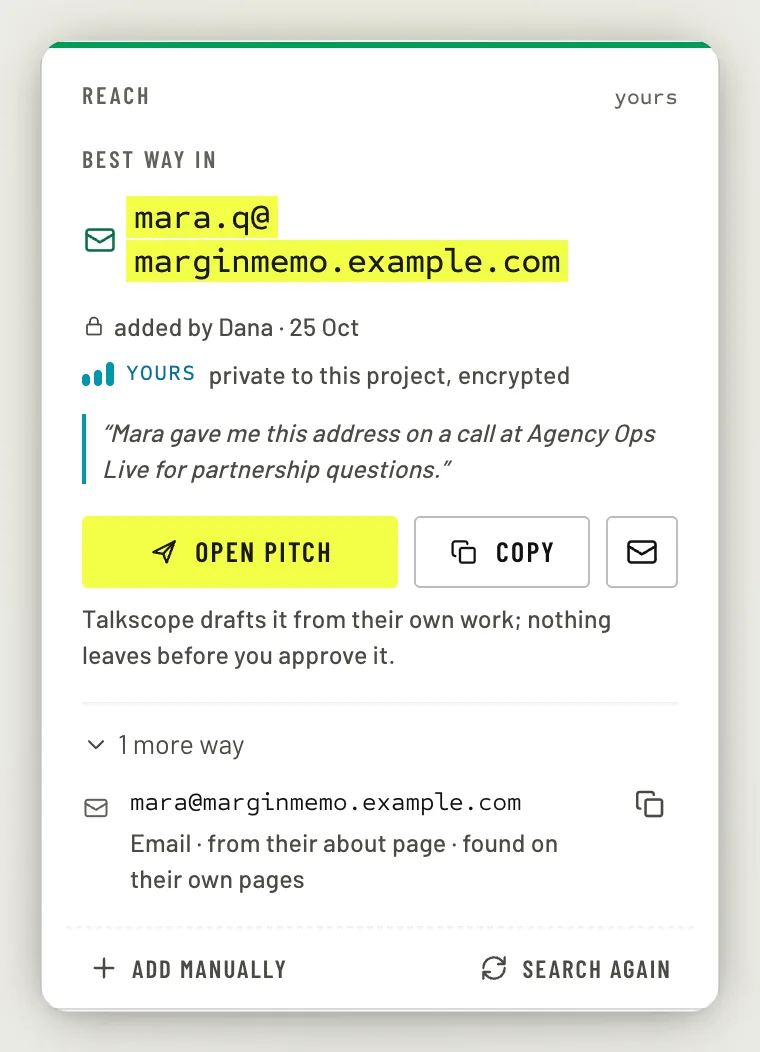
The Reach card on a creator's page shows the best way in. Talkscope looks for one when you accept the creator. Before any search, or when one found nothing, click Find contact or press F to look; once a search has run, Search again does the same.
The free search
Talkscope reads the creator's own pages for an email address or a contact form: their site, their contact page, their link-in-bio. It is free and takes about 30 seconds; slow sites can take up to a minute. You can leave the page and it keeps going.
If it finds nothing, the card tells you what it read, offers the other ways in that exist today, such as a contact form, and lets you search again.
The paid lookup
Paid search is a setting of the Talkscope server, and it is off unless it has been turned on; while it is off, the card says Paid search is off for this workspace. When it is on, Try paid search asks Anymail Finder for an address. It costs $0.07 if an address is found, never more than $0.15, and a miss is free. You confirm each one first, and paid lookups are capped at $10 a month for your workspace.
Add one you already have
Already have an address or a form link? Click Add one you already have (after a search, the button reads Add manually), choose Email or Form link, and add a short note on where it came from. The note is for your team only and is never sent or shown to the creator.
Contacts are stored encrypted and shown only to members of the project they belong to.
Do not contact
To make sure nobody pitches a creator, open the More menu on their page and choose Do not contact. Pick a reason (they asked, already a partner, a competitor, legal, or other) and how long: permanently, six months or a year. It applies to every project in your organisation.
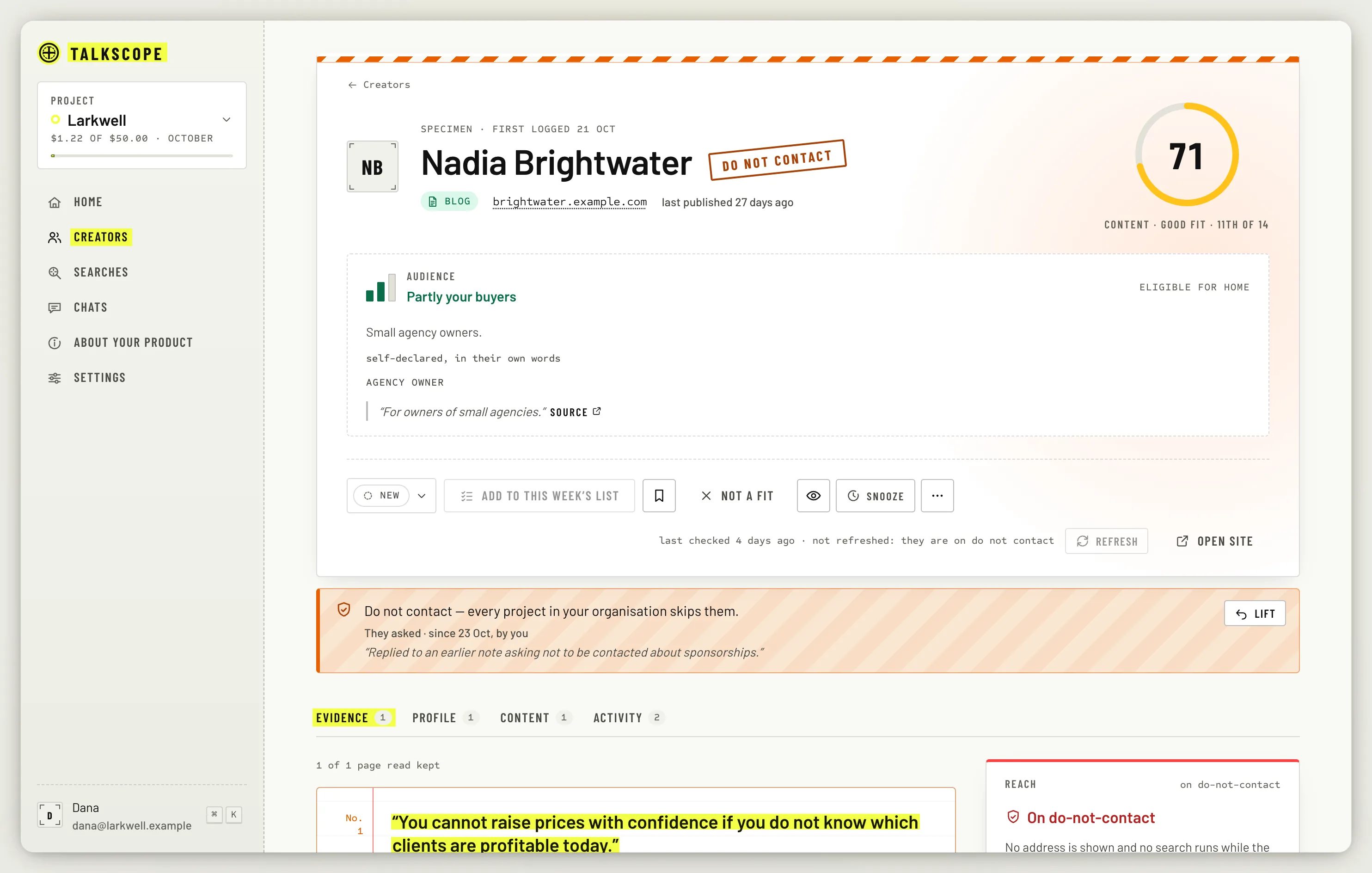
While it is in force, no address is shown, no contact search runs, the creator never reaches a shortlist, and a pitch cannot pass its checks. Lift it from the same menu; the lift is recorded.